Proxmox inventory,
one page.
Scans all your Proxmox VE nodes and shows every VM and LXC container in one filterable table. No node-hopping.
The Proxmox UI is fine.
A cross-node overview isn't.
Checking what's running across multiple nodes means navigating node by node, clicking through pages, losing context. ProxLook fixes that with one aggregated view.
- click node → click node
- no cross-host filter
- fragmented status view
- no quick export
- all hosts, one page
- filter by anything
- live status at a glance
- CSV / JSON export
Features.
Visibility first. Control and scheduling are optional.
Live Inventory
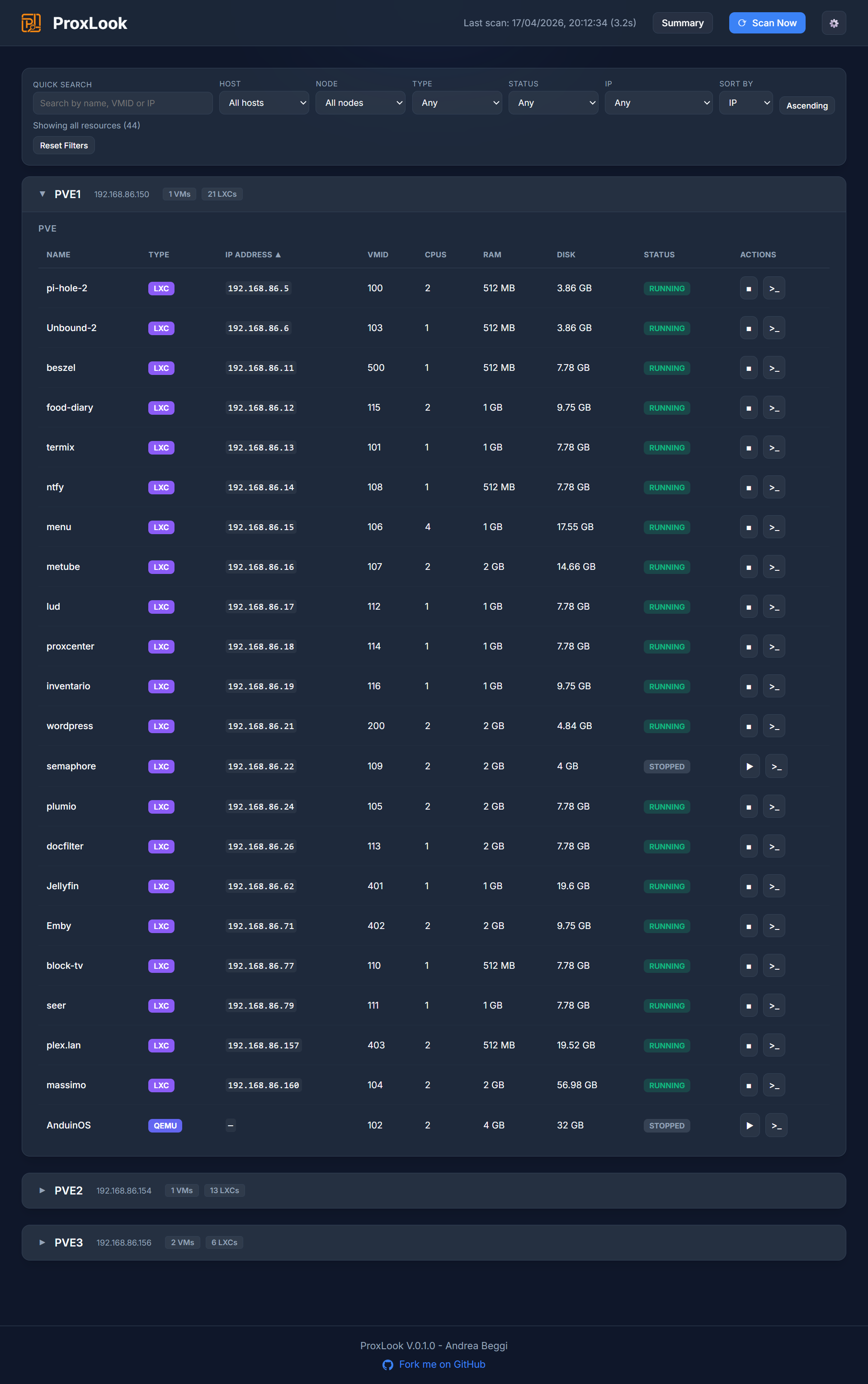
Auto-discovers nodes, VMs and LXC containers. VMID, IP, CPU, RAM, disk and status — all in one row.
Smart Filtering
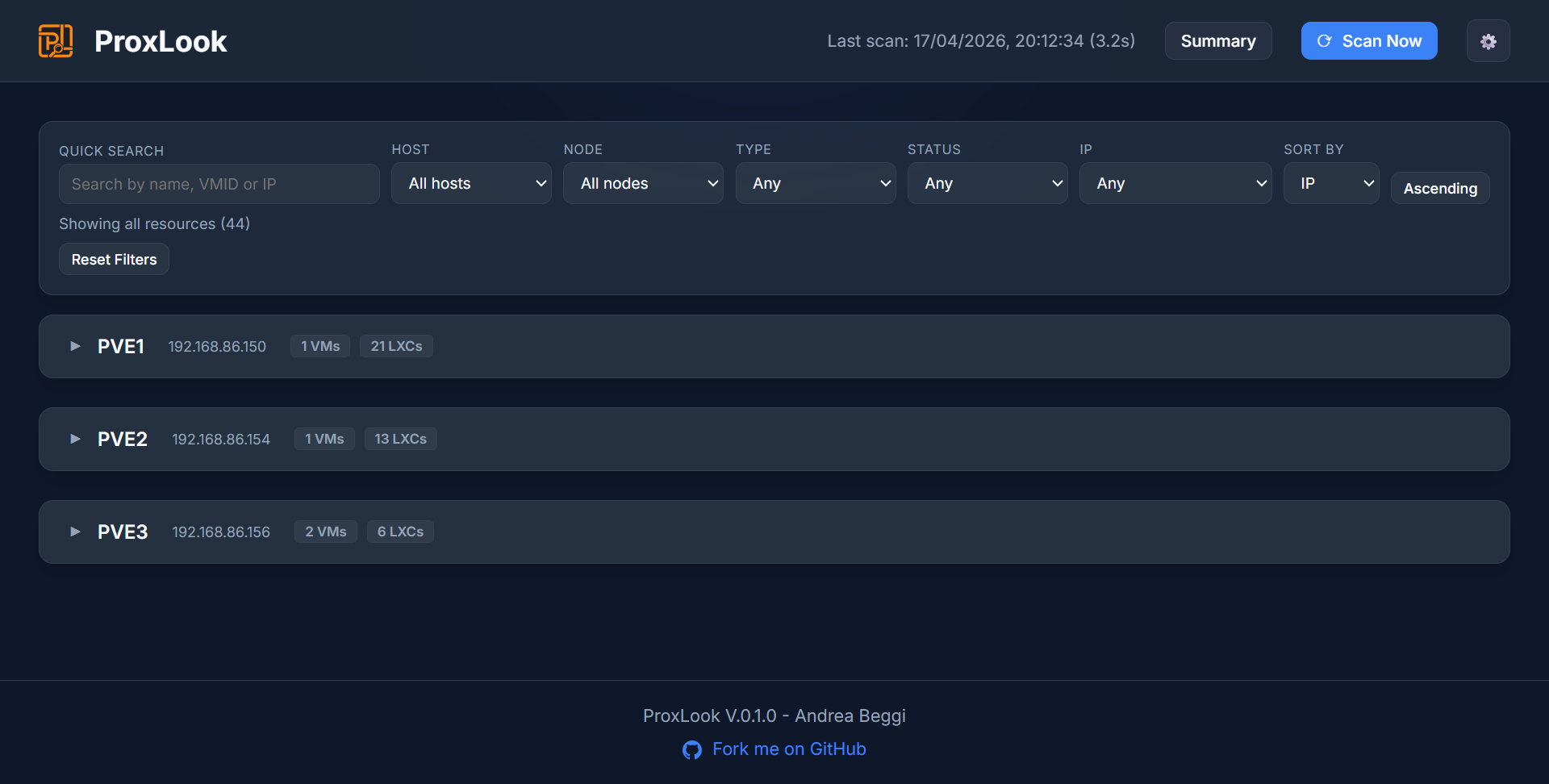
Filter by host, node, type, status or IP. Search by name or VMID. Reset in one click.
Multi-Host
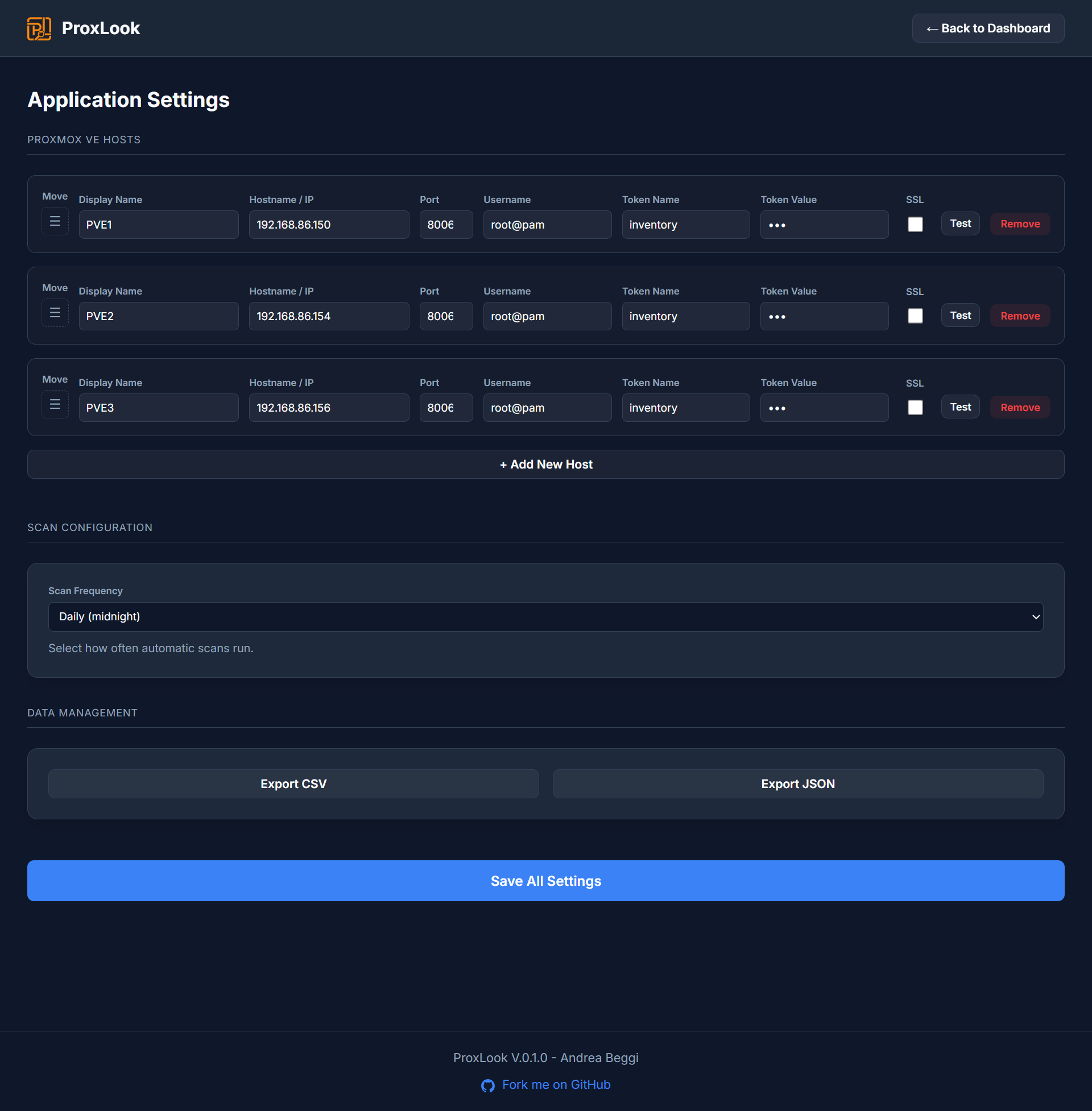
Add multiple Proxmox VE servers. Manage all of them from a single interface.
Export
Download your full inventory as CSV or JSON for docs, scripts or further processing.
Power Control
Optional. Start and stop VMs and containers directly from the dashboard.
Scheduled Scans
Preset intervals or custom cron expressions. Data always stays current.
The interface.
Click to enlarge.
Installation.
Docker Compose is the recommended deployment.
Security note. ProxLook has no built-in authentication — by design. It's meant to run behind a reverse proxy. Supported setups include Cloudflare Tunnel + Access, Nginx Proxy Manager, Traefik, or any standard reverse proxy providing auth and TLS. Do not expose it directly to the internet.